 Deleting a Look
Up Table Entry
Deleting a Look
Up Table Entry
Deleting a Look
Up Table EntryTo delete a Look Up Table Entry:
1. From the Setup Main Menu,
in the Maintain Lookup Values Module
group, point to the desired module and then select the Look
Up Table you would like to modify. In our example we selected Finances > Class Codes to display the
Class dialog.
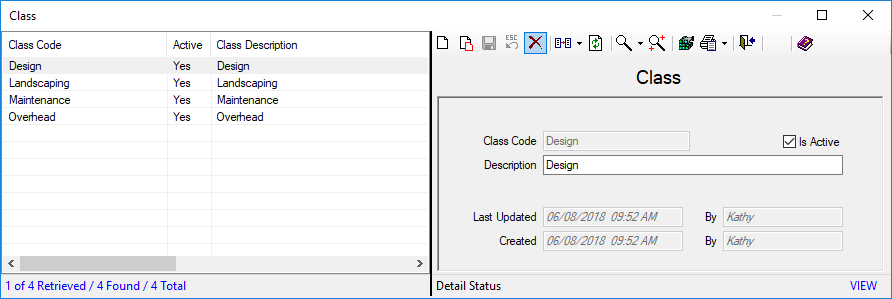
● Select the entry you would like to delete from the list in the left grid. In our example we selected Design.
2. Click the Delete  icon,
a prompt displays
asking you to confirm that you really want to delete the record(s).
icon,
a prompt displays
asking you to confirm that you really want to delete the record(s).
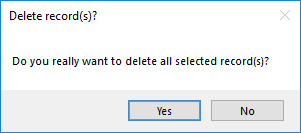
● Select Yes to proceed with the deletion or No to cancel.

Note: You cannot Delete an item that is already in use in the corresponding data entry screen. Refer to the Replace and Merge sections for guidelines on renaming an existing code or merging into another item.
ResultsCRM User Help (August 2018)
